How to make a good profile picture for Gmail from one photo
A Gmail profile picture does not work like a social avatar. It works like a sender signal. People see it next to your name in the inbox or chat list, so the question is not “does this look stylish?” It is “does this help the recipient place me and trust the email?”
That makes Gmail different from Google Account more broadly. Google Account pictures travel widely across services. Gmail puts the image into a very specific trust context: messages, threads, and chat. If you already have one good photo, OutSence can help you shape it into a version that works better in that sender-facing space.
Gmail is about sender trust not profile mood
A weak Gmail profile picture is often not a bad portrait. It is simply the wrong kind of image for inbox context. It may be too casual, too heavily styled, or too vague to help someone recognize the sender quickly.
That matters most when Gmail is tied to work, freelance outreach, client communication, or anything where the recipient is deciding how seriously to take the sender. A good Gmail profile picture should feel clear, real, and dependable before it feels creative.
Turn one photo into a Gmail picture that feels dependable
If you only have one usable photo, optimize it for sender trust rather than broad profile expression:
- Choose the photo that already feels most like your real communication self. The best Gmail image usually feels current and believable.
- Set a crop that keeps the face easy to read. In OutSence Create, frame the image so it stays clear beside your name.
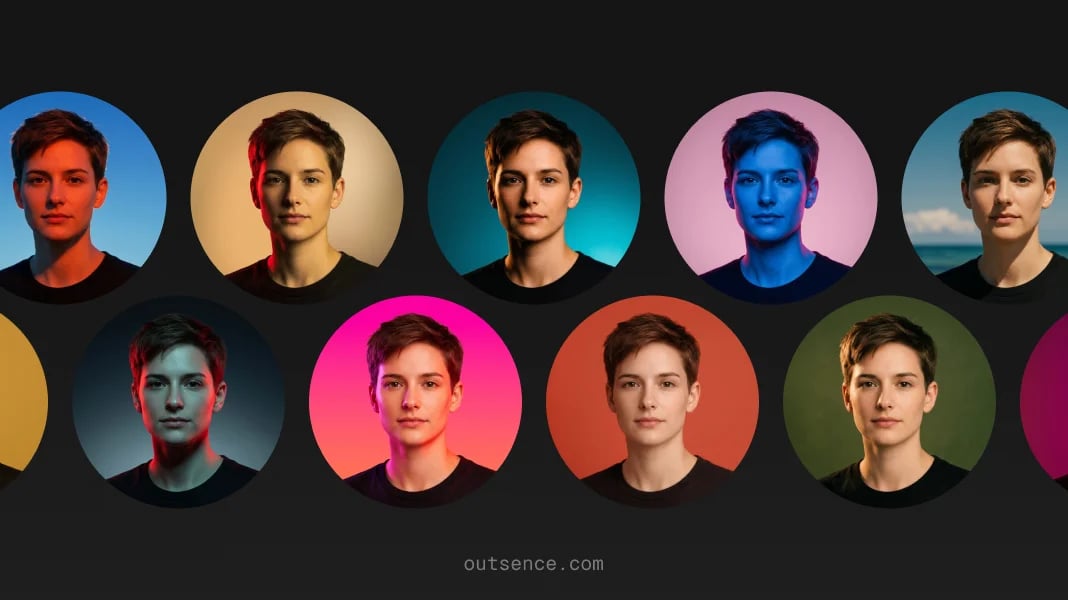
- Pick styles that reinforce reliability. Clean, neutral, natural, and lightly polished directions usually outperform stronger aesthetic styling in the inbox.
- Compare the versions as if they were already attached to outgoing emails. Keep the one that feels most trustworthy at first glance.
- Choose the version that still looks like someone a recipient could actually meet. Gmail rewards credibility more than personality performance.
Choose differently for personal freelance or professional outreach
For personal Gmail, the safest answer is usually a simple, current face that feels human without trying too hard. It should help people place you quickly.
For freelance or consulting use, the image usually needs slightly more polish because it is functioning as part of sender trust. The best version still should not feel corporate or artificial. It should simply feel clear and work-safe.
For formal professional outreach, the answer is even narrower. A real, neutral, easy-to-read photo is almost always better than a mood-led or playful one. Gmail is not the place to create ambiguity.
Quick Gmail sender check
Before you keep the final version, test whether it supports the way Gmail is actually used:
- Inbox recognition: does the image help someone place you quickly beside your name?
- Thread trust: does it still look appropriate inside ongoing email conversations?
- Chat list fit: does the picture feel natural where Google also shows it in chat contexts?
- Work safety: would this still look right to a client, recruiter, or unfamiliar recipient?
- Cross-service realism: does it still make sense knowing Gmail uses the same picture as your Google Account?
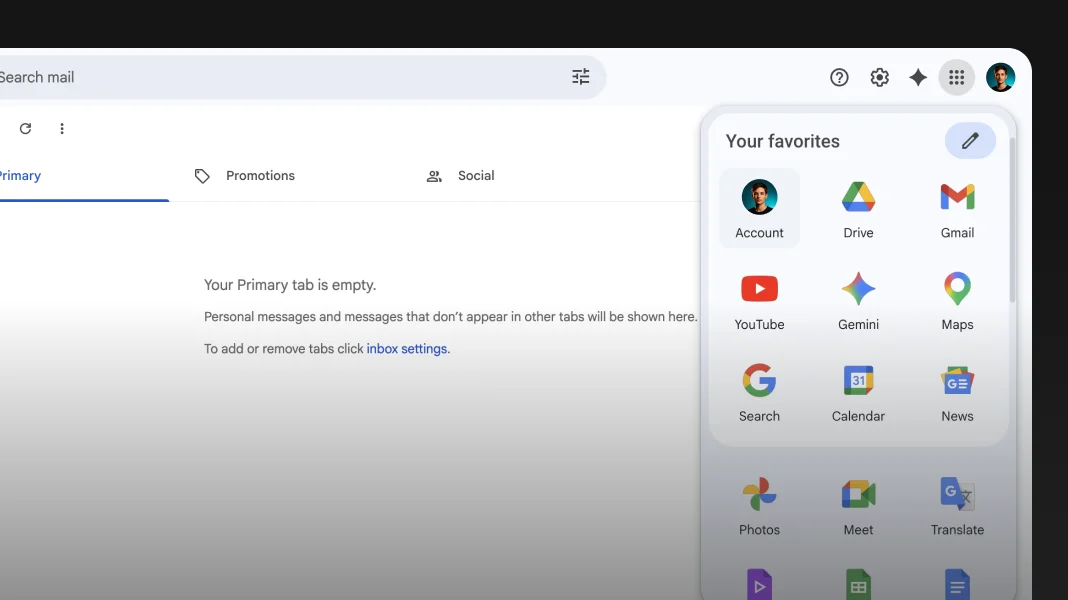
Gmail shows the picture in the inbox and uses your Google Account image
Verified on May 1, 2026
Google says your Gmail profile picture shows up when someone sees your name in their email inbox or chat list, and also says your Gmail profile picture is the same as your Google Account picture. It further notes that when you choose a new profile picture, it can take up to 24 hours to update. That makes Gmail especially sensitive to sender trust because the image is both highly visible and reused across Google communication surfaces. In practical terms, a clean 1024 × 1024 source image from one good photo gives you room to crop well in OutSence while still ending up with a dependable Gmail-ready picture that holds up in smaller sender contexts. Source
When OutSence helps on Gmail
OutSence helps most on Gmail when the original photo is usable but not yet right for inbox trust. The product is especially useful if you want to compare a few cleaner, more dependable versions from one photo instead of retaking headshots.
That matters because Gmail does not reward aggressive styling. If you want to refine the image without losing the person behind it, start in OutSence Create, then compare the results in your OutSence gallery and keep the version that looks most natural beside your real sender name.
Related guides
If your next issue is cropping and clarity, continue with How to make your Gmail profile picture fit and stay clear. If you want broader comparison ideas, read Best profile picture for Gmail — photo ideas and examples. If you need the technical reference page, go to Profile picture for Gmail — size, crop, file format, and photo best practices.
FAQ
What kind of photo works best for Gmail?
Usually the one that feels most trustworthy and most like the real sender. Gmail rewards clarity and credibility over strong styling.
Is a Gmail picture the same as a Google Account picture?
Yes. Google says the Gmail profile picture is the same as your Google Account picture.
Where does the Gmail profile picture appear?
Google says it appears when someone sees your name in their email inbox or chat list.
When is OutSence useful for Gmail?
When you already have one usable photo and want to compare a few cleaner, more sender-trust-friendly versions before choosing the final one.