How to make a good profile picture for LinkedIn from one photo
LinkedIn profile pictures are judged more directly than most social-platform images. People see them in search, in invitations, on the profile header, and beside comments where credibility matters immediately. A photo that is fine on Instagram or Facebook can feel wrong here because LinkedIn asks a much more specific question: does this look like someone I would trust professionally?
That is why one good photo can be enough for LinkedIn, but only if it turns into a work-appropriate version of you. Once you know what kind of professional signal your profile needs to send, OutSence can help you compare a few credible profile directions from the same source image.
LinkedIn is a trust surface before it is a style surface
A weak LinkedIn profile picture usually fails in one of two ways. It is either too casual to support professional trust, or too stylized to feel like the real person behind the profile. Both problems create friction.
That is why LinkedIn profile pictures work best when they feel clear, calm, and believable. The image should not look generic, but it should make someone feel that the person in the photo is the same person they would meet on a call, in an interview, or in a client conversation.
Turn one photo into a LinkedIn picture that looks credible
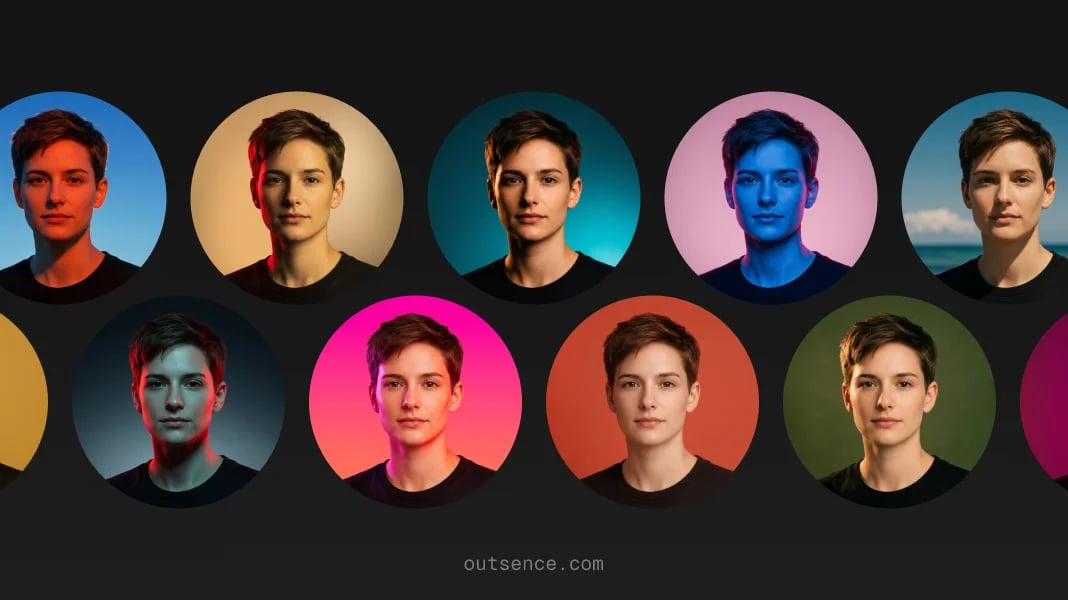
If you only have one usable photo, optimize it for professional trust rather than personality performance:
- Choose the photo that already feels most like your real professional self. Good light helps, but likeness matters more.
- Set a crop that feels direct and work-safe. In OutSence Create, frame the image so your face is clear without feeling aggressive.
- Pick styles that reinforce credibility. Clean, natural, neutral, and lightly refined directions usually work best on LinkedIn.
- Compare the versions as if they were already in search and invitations. Keep the one that looks most dependable and most recognizably you.
- Choose the version that could survive a real meeting. If the image makes you look unlike yourself, it is too far for LinkedIn.
Choose differently for job search client work or internal credibility
For a job seeker, the best profile picture is usually clear, approachable, and obviously current. The image should help a recruiter or hiring manager feel that the profile is real, complete, and trustworthy.
For consultants, freelancers, and founders, the photo often needs slightly more polish because it is also functioning as a business-trust signal. Even then, the safest move is not heavy styling. It is a cleaner, steadier, more confident version of your real face.
For internal company credibility, such as networking inside a large organization, the answer is often the most natural of the three. You want to look competent and accessible, not branded.
Quick LinkedIn trust check
Before you keep the final version, test whether the image behaves like a real LinkedIn profile picture:
- Search results: does it make the profile look credible before anyone clicks?
- Connection requests: would this picture feel trustworthy beside your name and headline?
- Profile header: does it fit the tone of your headline, role, and background image?
- Comments: does it still look professional in smaller public discussion spaces?
- Real-life match: would someone recognize you from this image on a call or in person?
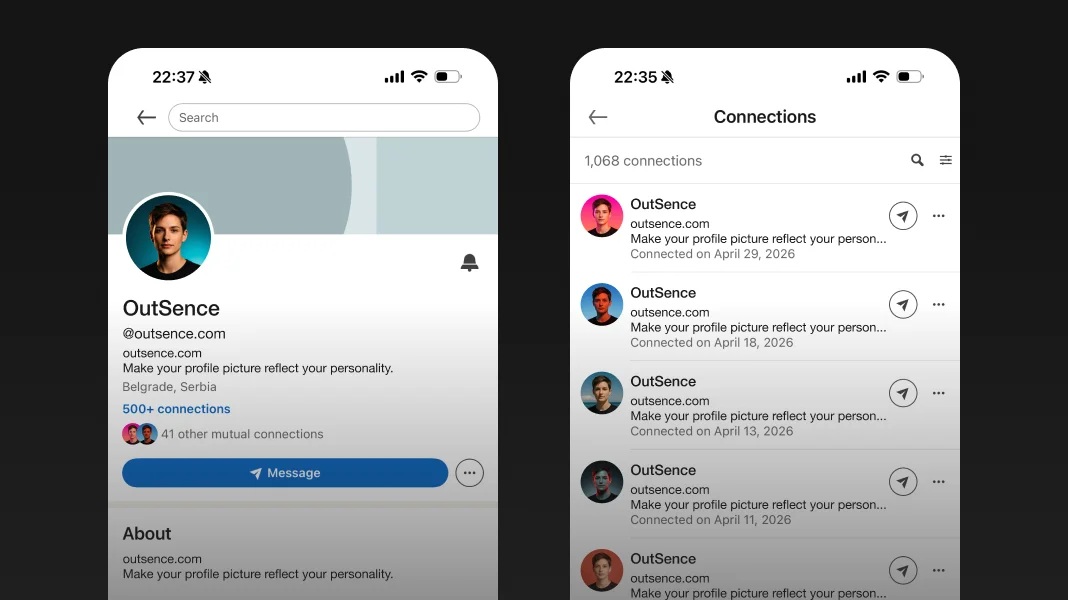
LinkedIn wants a picture that reflects your likeness
Verified on April 27, 2026
LinkedIn says adding a photograph increases the credibility of your profile because it helps current and potential connections recognize you. It also says your profile photo must reflect your likeness, and that images consisting only of company logos, emojis, landscapes, words, flags, baby photos, or other people’s likenesses may be removed. That makes the platform’s standard unusually clear: LinkedIn is not asking for a cool image. It is asking for a professional image that still looks like you. That is why OutSence is most relevant here when it helps you refine one real photo into a cleaner, more work-safe version without losing recognizability. Source Source
When OutSence helps on LinkedIn
OutSence helps most on LinkedIn when the original photo is usable but not quite credible enough in professional context. The product is not there to invent a new identity. It is there to help you compare a few stronger, more work-appropriate versions from one image and keep the one that still feels real.
That matters because LinkedIn punishes over-editing more than some other platforms do. If the image stops looking like you, it stops doing its job. If you want to compare credible directions before choosing, start in OutSence Create, then review the results in your OutSence gallery and keep the version you would actually want attached to your real professional profile.
Related guides
If your next issue is cropping and clarity, continue with How to make your LinkedIn profile picture fit and stay clear. If you want broader comparison ideas, read Best profile picture for LinkedIn — photo ideas and examples. If you need the technical reference page, go to Profile picture for LinkedIn — size, crop, file format, and photo best practices.
FAQ
What kind of photo works best for LinkedIn?
Usually the one that looks current, credible, and recognizably like you. LinkedIn rewards trust more than personal style.
Can I use an artistic version of myself on LinkedIn?
Only carefully. LinkedIn says the image must reflect your likeness, so anything too stylized can weaken professional trust.
Should I use a logo instead of a face on a personal LinkedIn profile?
Usually no. LinkedIn personal profiles work best with a real image of the person behind the profile.
When is OutSence useful for LinkedIn?
When you already have one usable photo and want to compare a few cleaner, more credible professional versions before choosing the final image.