How to make a good profile picture for Pinterest from one photo
Pinterest profile pictures do not work like WhatsApp contact photos or LinkedIn trust photos. People meet them while deciding what kind of taste, curation, or identity sits behind the boards and Pins. That means the image does not just need to look good. It needs to fit the profile’s visual role.
If you already have one usable photo, that is usually enough to start. The real question is whether the image should feel like a personal curator, a creator, or a shop-facing brand identity. Once that is clear, OutSence can help you compare a few profile-ready directions from the same source image.
Pinterest is a taste signal before it is a portrait
A weak Pinterest profile picture often fails because it belongs to the wrong kind of profile. The image may be fine on its own, but it does not match the visual identity of the boards, Pins, and topics around it.
That is why Pinterest is not mainly about looking impressive. It is about looking consistent. A personal curation profile may want something warm and low-pressure. A creator profile may want more clarity and authorship. A shop or business profile may need something cleaner and more intentional. The best picture is the one that feels native to the profile’s visual world.
Turn one photo into a Pinterest profile picture that fits the profile
If you only have one photo to work with, build around profile fit rather than generic polish:
- Choose the photo that already feels closest to the kind of Pinterest profile you run. A curator, creator, and shop profile do not need the same energy.
- Set a crop that makes the image feel intentional but calm. In OutSence Create, frame the face so it reads clearly without feeling too aggressive.
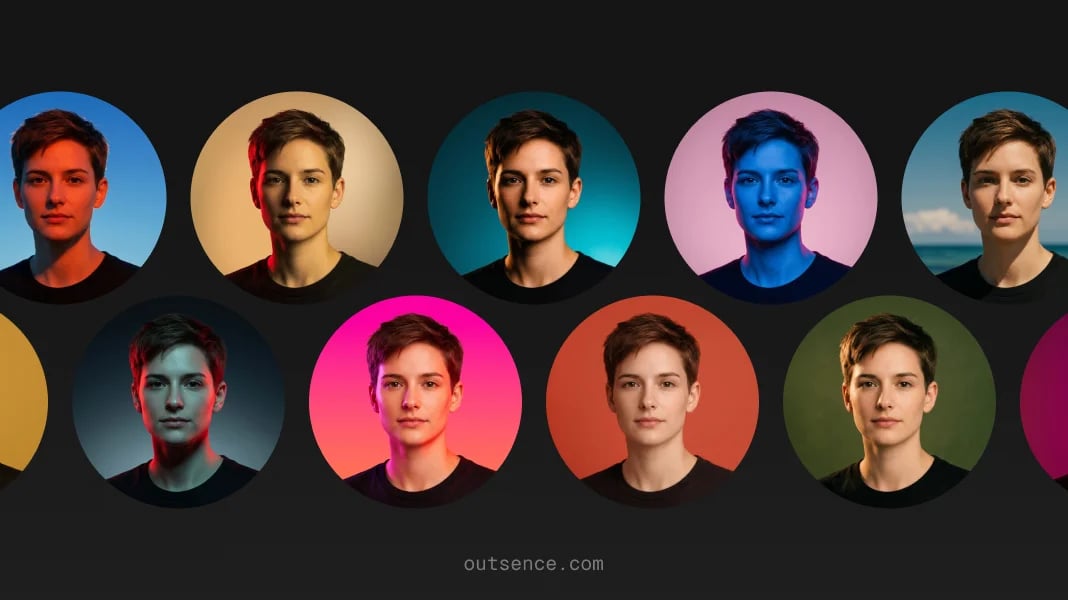
- Pick styles that match the visual tone of the boards and Pins. Clean, soft, creative, minimal, or warm can all work if they feel aligned with the profile.
- Compare the versions as profile identities, not just portraits. Keep the one that feels most believable next to the content you actually save or publish.
- Choose the version that still feels right after the profile evolves. Pinterest rewards images that feel durable, not just momentarily striking.
Choose differently for a personal curator creator or shop profile
For a personal curator profile, the safest answer is usually relaxed and understated. The image should feel human, tasteful, and consistent with what the account saves.
For a creator profile, the image can carry more authorship. A slightly clearer or more shaped version can help if the account is built around your taste, tutorials, design direction, or original visual work.
For a shop or business-facing profile, the picture should be even more deliberate. A face can work if the business is person-led. If not, a logo may honestly be the better answer. Pinterest profile identity is strongest when the image reflects what the account is actually for.
Quick Pinterest fit check
Before you keep the final version, test whether the picture fits the way Pinterest profiles are read:
- Profile tone: does the image match the boards, Pins, and overall visual taste of the account?
- Discovery context: if someone lands on the profile cold, does the picture support the kind of account this is?
- Curator vs creator clarity: would a visitor understand whether the profile is personal curation, original creation, or commerce-led?
- Visual calm: does the image feel intentional without fighting the content around it?
- Honest identity: if a logo would fit the account better than a face, are you choosing that instead?
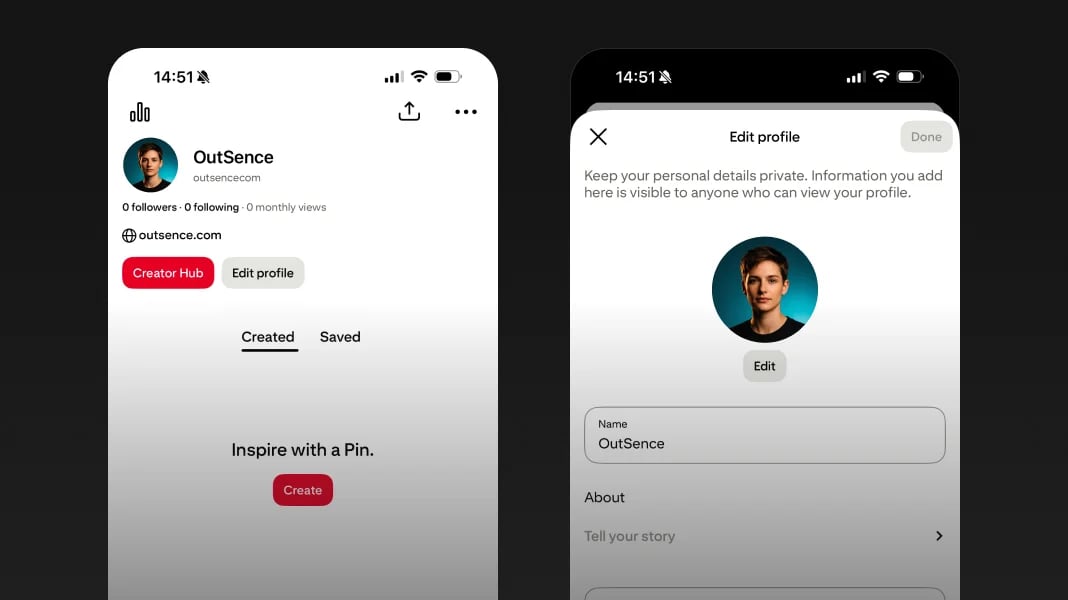
Public and private Pinterest profiles create different photo needs
Verified on April 24, 2026
Pinterest says you can edit your profile photo in Edit profile, alongside elements such as your name, bio, pronouns, website, and username. Pinterest also says that private profiles won’t appear in search results on Pinterest or in search engines, and that business accounts must switch to personal accounts in order to become private. That changes the role of the profile picture. A public Pinterest profile needs a more discovery-ready identity, while a private personal profile can be simpler and more relaxed. In practical terms, if you are using Pinterest publicly, OutSence is most useful when it helps turn one photo into a profile picture that matches your curator, creator, or shop-facing role more clearly. Source Source
When OutSence helps on Pinterest
OutSence helps most on Pinterest when the original photo is usable but not yet aligned with the role of the profile. The product is not there to force a glamorous portrait into a quiet curation account. It is there to help you compare a few profile-ready directions from one image and keep the one that fits your visual identity best.
That is especially useful if the account is public and discovery matters. If that is your case, start in OutSence Create, then compare the results in your OutSence gallery and keep the version that feels most natural beside your real boards and Pins.
Related guides
If your next issue is clarity and cropping, continue with How to make your Pinterest profile picture fit and stay clear. If you want broader comparison ideas, read Best profile picture for Pinterest — photo ideas and examples. If you need the technical reference page, go to Profile picture for Pinterest — size, crop, file format, and photo best practices.
FAQ
What kind of photo works best for Pinterest?
Usually the one that fits the role of the profile. A curator, creator, and shop profile often need slightly different image choices.
Should a Pinterest profile picture be very polished?
Not necessarily. Pinterest rewards fit and visual consistency more than obvious portrait polish.
Does a private Pinterest profile change what picture I need?
Yes. If the profile is private and not discoverable in search, the image can be simpler and less discovery-driven.
When is OutSence useful for Pinterest?
When you already have one usable photo and want to compare a few profile-ready directions that better match your curator, creator, or shop-facing identity.