How to make a good profile picture for Zoom from one photo
A Zoom profile picture is not mainly a branding image. It is a camera-off identity tool. People see it when they are trying to place you quickly in a meeting, a waiting room, or chat, often with almost no extra context. That changes what a “good” picture means.
If you already have one usable photo, that is usually enough. The goal is not to make it more artistic. The goal is to make it more usable in a meeting environment. Once you know how formal or neutral your Zoom presence needs to be, OutSence can help you compare a few clearer directions from the same source image.
Zoom is about camera-off recognition
A weak Zoom profile picture often fails because it behaves like a social portrait instead of a meeting identity. It may be visually fine, but the face is too distant, too casual, or too mood-heavy for a platform where the image often stands in for your camera.
That is why Zoom profile pictures usually work best when they are simple, current, and easy to identify at a glance. The image does not have to look corporate, but it should feel appropriate for people who may only know you through remote meetings.
Turn one photo into a Zoom profile picture that works in meetings
If you only have one usable photo, optimize it for meeting clarity rather than personality styling:
- Choose the photo that already feels most like the version of you people should meet on calls. Current and believable matters more than aesthetic drama.
- Set a crop that stays readable in a small participant tile. In OutSence Create, frame the face so it is easy to place quickly.
- Pick styles that feel steady and work-safe. Clean, neutral, and lightly refined directions usually outperform stronger stylistic looks on Zoom.
- Compare the versions as if your video were off. Keep the one that helps people identify you fastest in a participant list or chat.
- Choose the image that still feels right in a professional remote context. Zoom rewards clarity and recognizability more than personality performance.
Choose differently for internal meetings interviews or client calls
For internal meetings, the best profile picture is usually the most natural of the three. Colleagues mainly need a current, readable version of you.
For interviews, the image often needs slightly more polish. It still should not feel artificial. The safest answer is a clean, credible face that looks like the person who would actually join the call.
For client calls, the picture should land somewhere between the two: clear, dependable, and calm. Zoom is not the place for ambiguity. If you work under a company identity rather than a person-led one, a logo can make sense in some contexts, but a face is strongest when the call is person-to-person.
Quick Zoom meeting check
Before you keep the final version, test whether it works the way Zoom is actually used:
- Participant tile: does the image help people identify you quickly when your camera is off?
- Meeting tone: would the picture still feel right in both routine calls and more formal meetings?
- Chat context: does it still look appropriate beside your name in meeting chat?
- Remote familiarity: would someone who has only met you virtually feel that the image matches the real person?
- Host-control reality: if profile pictures are hidden in a meeting, is the image still worth using for all the places where it does appear?
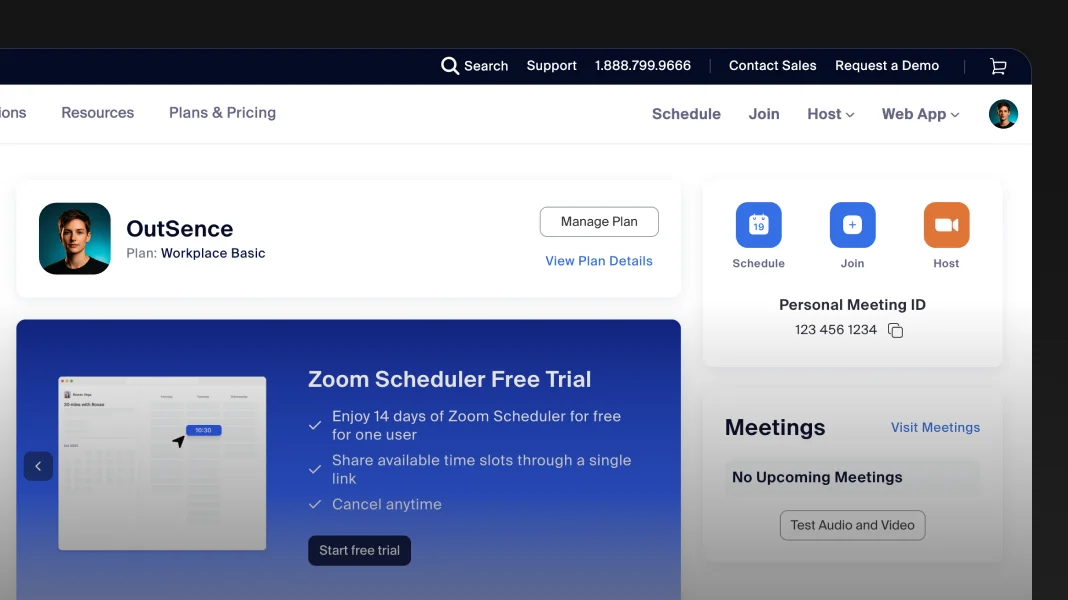
Zoom uses the picture for identification but hosts can hide profile images
Verified on April 20, 2026
Zoom support describes the profile picture as something that allows you to be identified at a glance and helps with collaborating, especially with people you have only met virtually. Zoom support search snippets also indicate that the profile picture can be visible to meeting participants when your video is off, and in in-meeting chat, unless profile pictures are hidden by the host or disabled in settings. That creates a clear practical rule: the image should be built for recognition first, while also being strong enough to carry your identity in the places where Zoom does show it. In practical terms, a clean 1024 × 1024 source image from one selfie gives you more room to crop for meeting readability in OutSence before Zoom reduces the image into smaller UI contexts. Source Source Source
When OutSence helps on Zoom
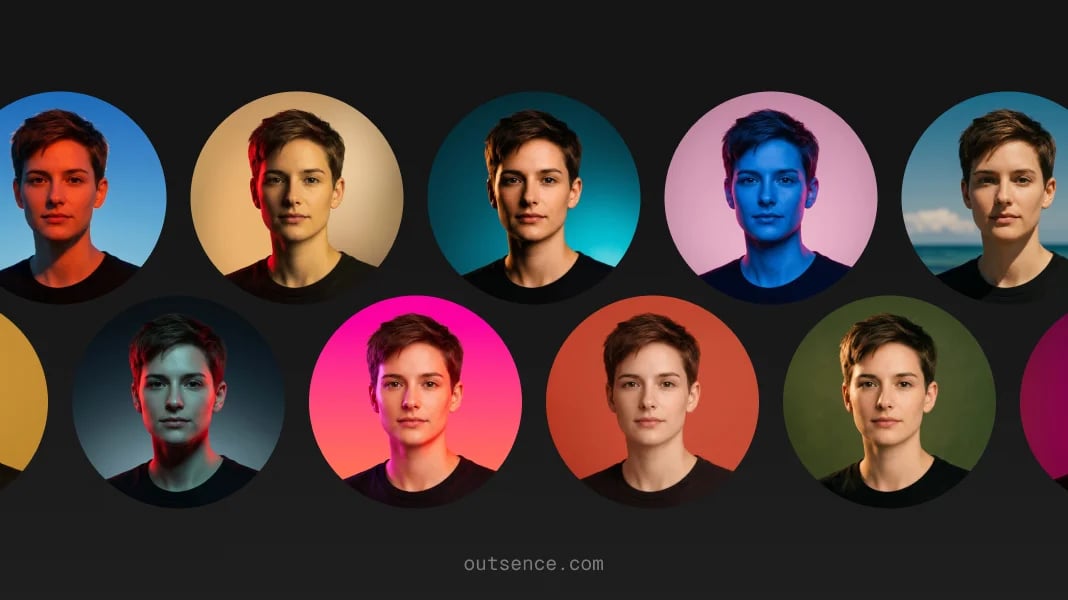
OutSence helps most on Zoom when the original photo is usable but not yet good enough for camera-off recognition. The product is especially useful if you want to compare a few cleaner, more meeting-ready versions from one source image instead of retaking formal headshots.
That matters because Zoom does not need a branded persona. It needs a reliable human signal. If that is your use case, start in OutSence Create, then compare the results in your OutSence gallery and keep the version that would feel most right in a real participant tile.
Related guides
If your next issue is clarity and cropping, continue with How to make your Zoom profile picture fit and stay clear. If you want broader comparison ideas, read Best profile picture for Zoom — photo ideas and examples. If you need the technical reference page, go to Profile picture for Zoom — size, crop, file format, and photo best practices.
FAQ
What kind of photo works best for Zoom?
Usually the one that feels most current, clear, and easy to identify in a meeting context, especially when your camera is off.
Should a Zoom picture be formal?
Not necessarily formal, but it should be work-safe and dependable. Zoom rewards recognizability more than personality styling.
Why does Zoom need a different picture than social media?
Because the image often works as a camera-off identity marker in meetings and chat, not as a mood or branding image.
When is OutSence useful for Zoom?
When you already have one usable photo and want to compare a few cleaner, more meeting-ready versions before choosing the final image.